Essential Protection for Your Golf Simulator
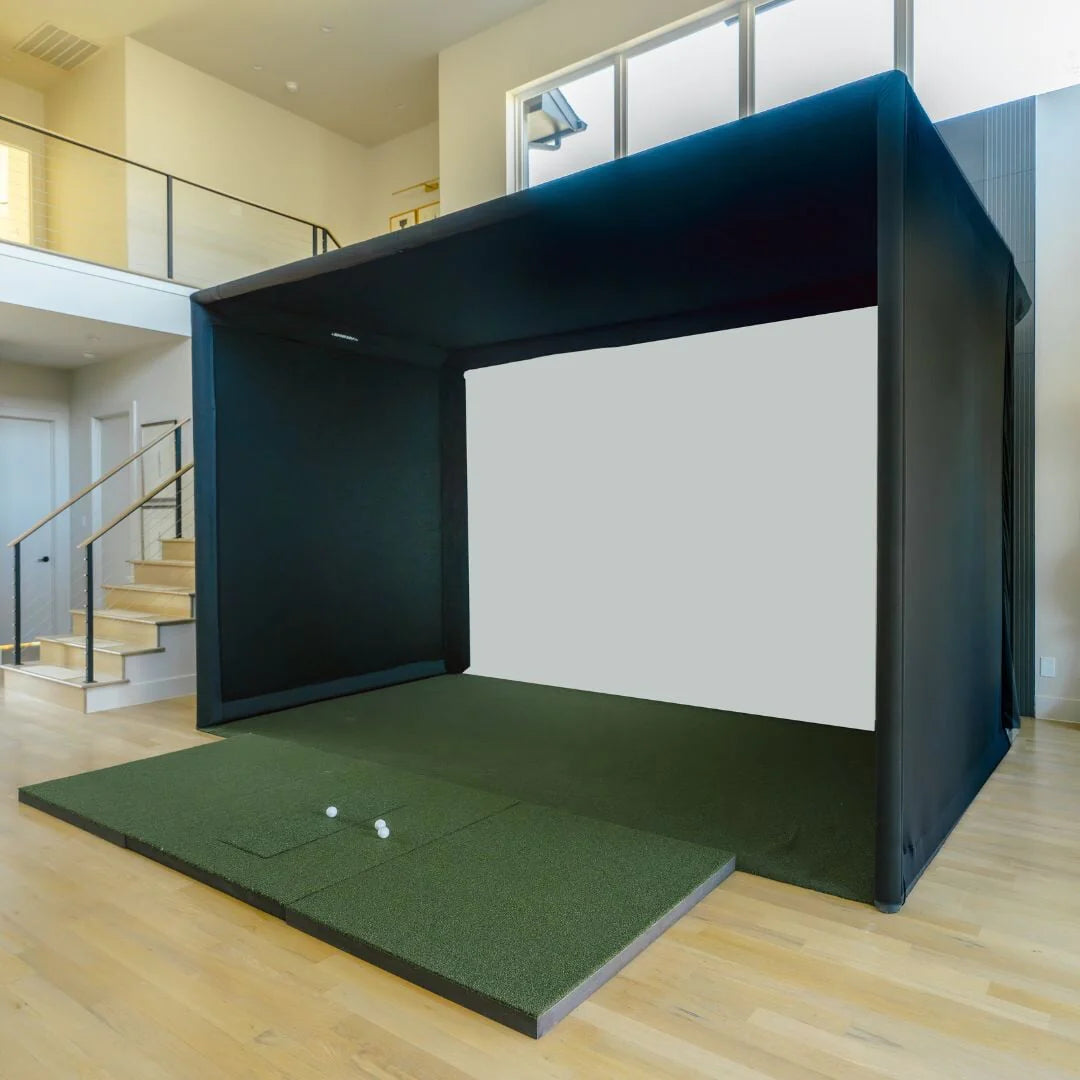
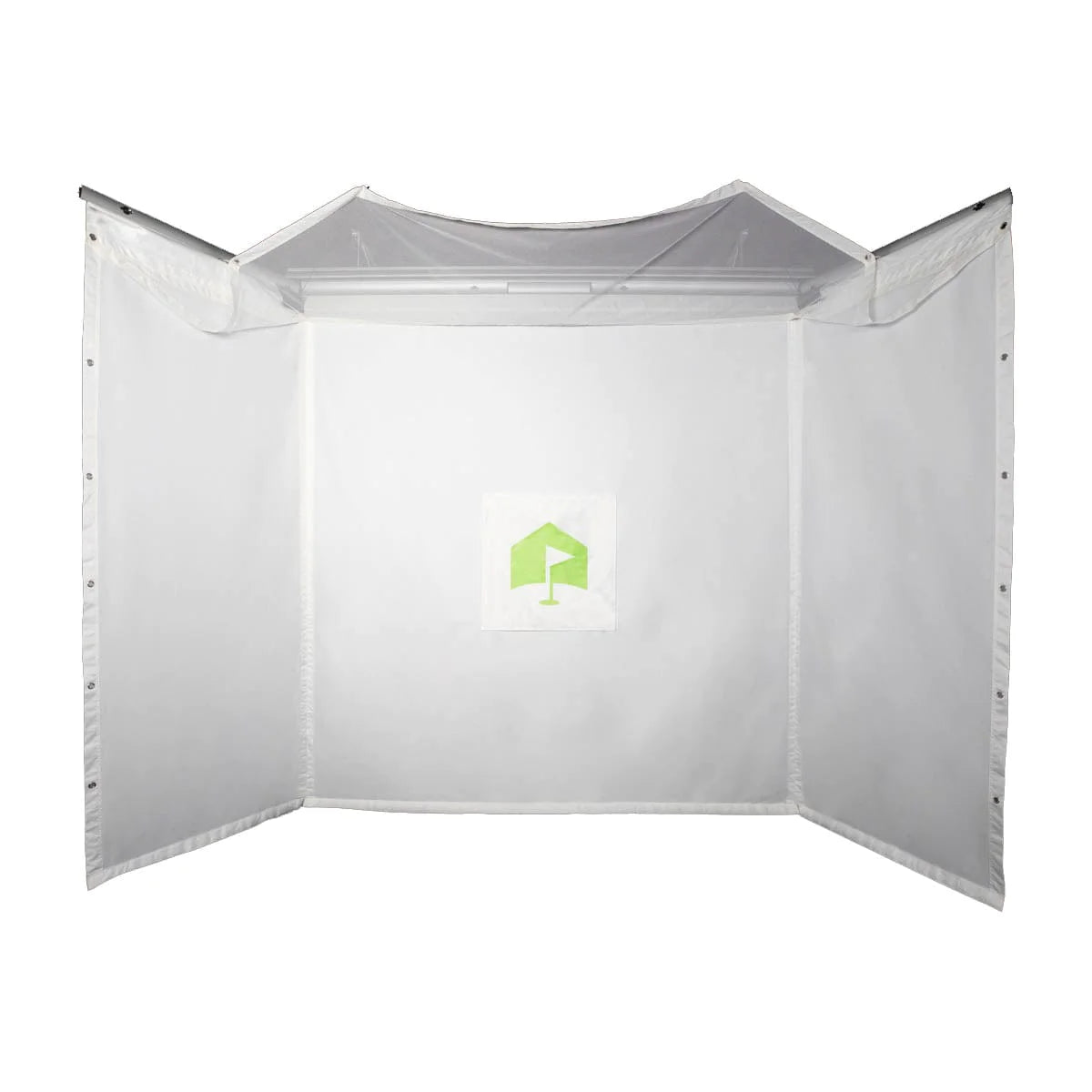
The SIGPRO Side Barrier Netting protects the area around your golf simulator enclosure. It catches errant and mishit shots before they leave the hitting area, helping protect your walls, equipment and anyone standing nearby. It's a simple way to make any golf simulator setup safer. It's sold separately as an optional add-on for SIG enclosures.
The netting is built to take repeated impacts from golf balls. Each net has a finished edge and a strip of hook velcro, so it attaches quickly and cleanly to your SIG golf simulator enclosure for a tidy, secure fit.
Dimensions and What's Included
Each set includes two nets, one for each open side of your simulator bay. Each net measures 10 feet long by 8 feet tall, covering the zone where offline shots are most likely to leave the hitting area.
You also get two sandbags to anchor the nets and two carabiner clips for extra attachment points, so the netting stays in place shot after shot in both home and commercial golf simulator setups.
Easy Installation
The built-in hook velcro strip lets you attach the nets along your enclosure in minutes, with no tools. The netting is made to match the SIG enclosure design, so it lines up with your SIG frame without the fit issues of generic netting. Prefer a hand with setup? Our professional installation service can take care of it.
This optional add-on is compatible with all SIG enclosures and is backed by our 1-year SIG/SIGPRO limited warranty. If you're still planning your space, see how much space you need for a golf simulator; side barriers help define a safe zone around your hitting area.